1
Choose Seedance 2.5 Flash
Select the model, then pick text or image to video, first and last frames, reference, editing, or extension.

Direct 4-30-second clips with first and last frames, mixed media references, and synchronized dialogue, music, or effects.
AI VIDEO WORKFLOW
Seedance 2.5 Flash is ByteDance’s faster video model for generating, editing, and extending clips. Use text, first and last frames, or a mix of reference images, video, and audio to guide motion and sound.
Keep the camera, framing, and sound in view from the first draft.
Set how the shot starts and ends with two images. Describe the transition, then let Seedance 2.5 Flash animate the movement between them.
Use up to 10 images, 5 video clips and 5 audio clips to guide identity, motion, style or sound in one generation.
Describe dialogue, music and effects in the prompt. Seedance 2.5 Flash generates audio alongside the action, with an option for silent clips.
Use a prompt to block a sequence, then set the clip length, framing, and output resolution. Seedance 2.5 Flash supports 4-30 seconds at 480p or 720p.
| Capability | Seedance 2.5 Flash | Seedance 2.5 | Seedance 2.0 Fast |
|---|---|---|---|
| Resolution | 480p / 720p | 480p / 720p / 1080p / 4K | 480p / 720p |
| Duration | 4–30s | 4–30s | 4–15s |
| Reference assets | 10 images / 5 videos / 5 audio | 30 images / 10 videos / 10 audio | 9 images / 3 videos / 3 audio |
| Aspect Ratios | 16:9, 4:3, 1:1, 3:4, 9:16, 21:9, Adaptive | 16:9, 4:3, 1:1, 3:4, 9:16, 21:9, Adaptive | 16:9, 4:3, 1:1, 3:4, 9:16, 21:9, Adaptive |
| Inputs | Text, Image, Video, Audio | Text, Image, Video, Audio | Text, Image, Video, Audio |
| Native audio | Yes | Yes | Yes |
| Function Mode | Generate / Frames / Reference / Edit / Extend | Generate / Frames / Reference / Edit / Extend | Generate / Frames / Reference / Edit / Extend |
Choose a mode, add your inputs, and set the output before generating.
Select the model, then pick text or image to video, first and last frames, reference, editing, or extension.
 2
Describe the shot, movement and sound. Attach your frames or references when the chosen mode needs them.
Choose the aspect ratio, duration and resolution, then generate the clip and review the motion and audio.
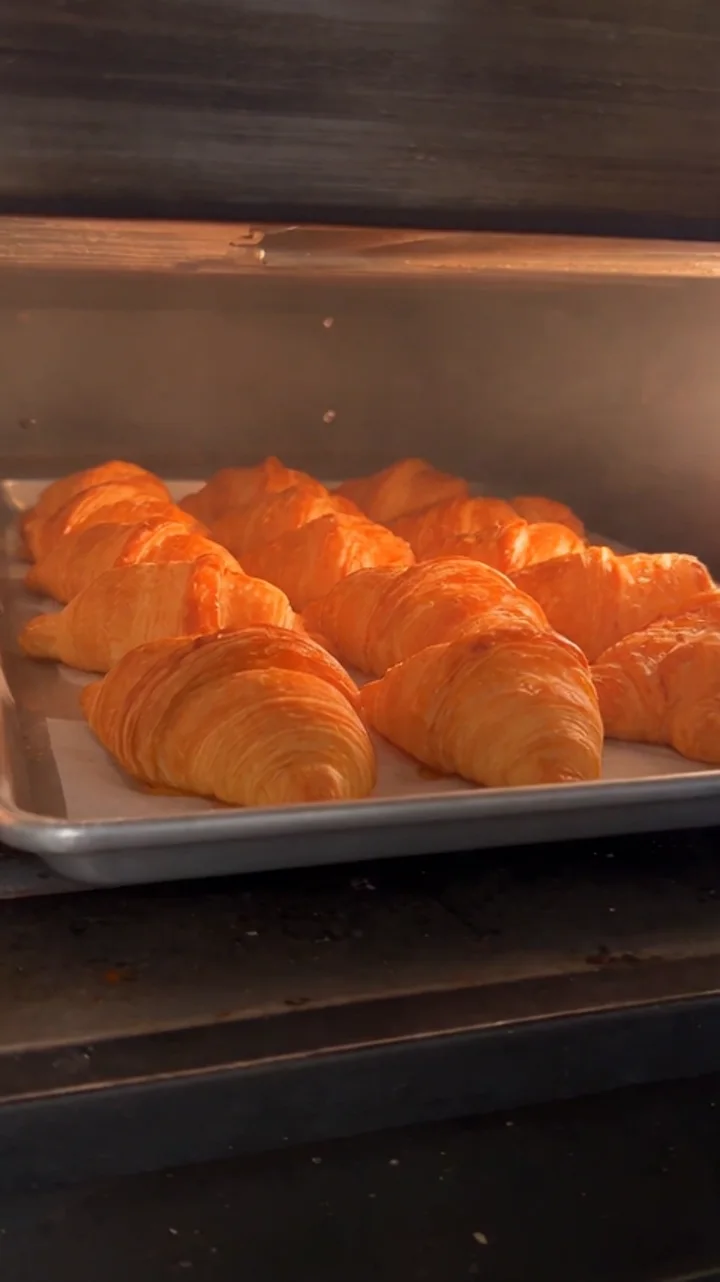
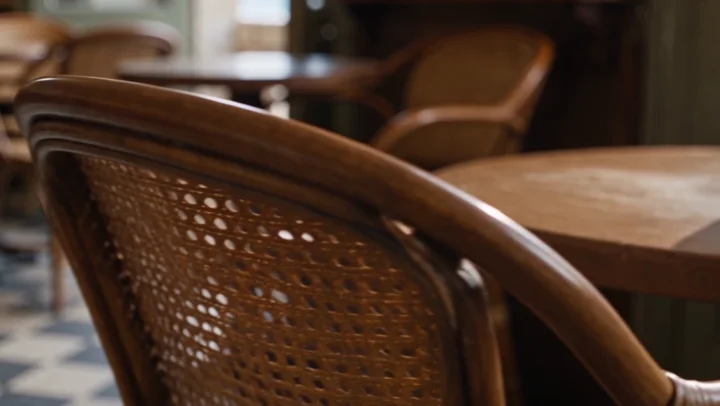
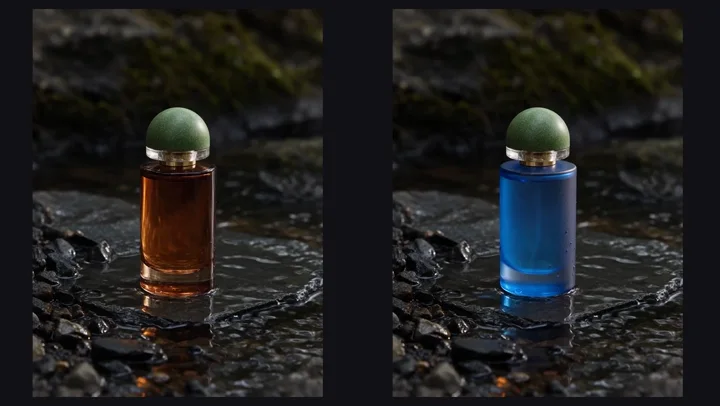
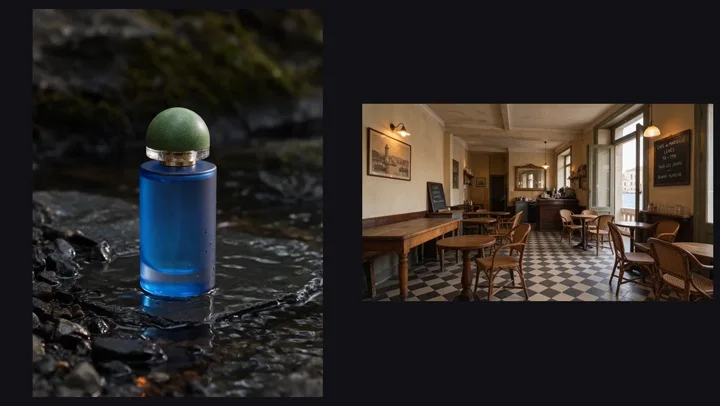
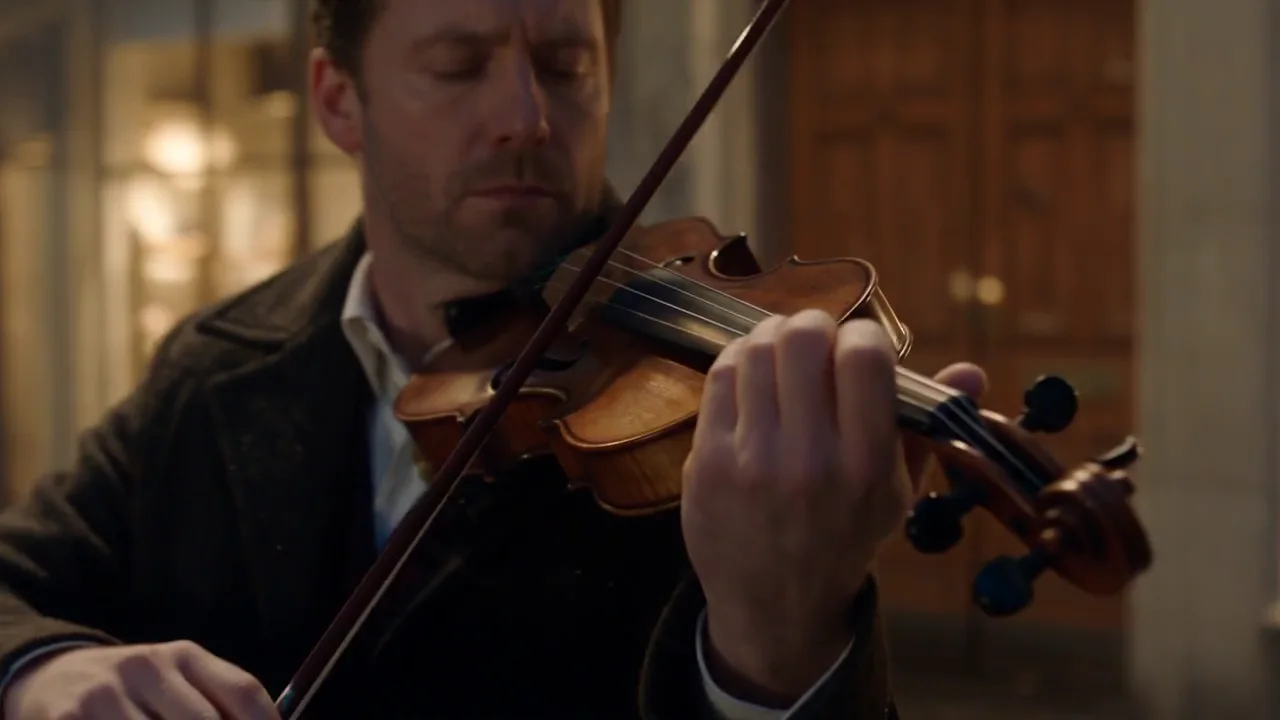
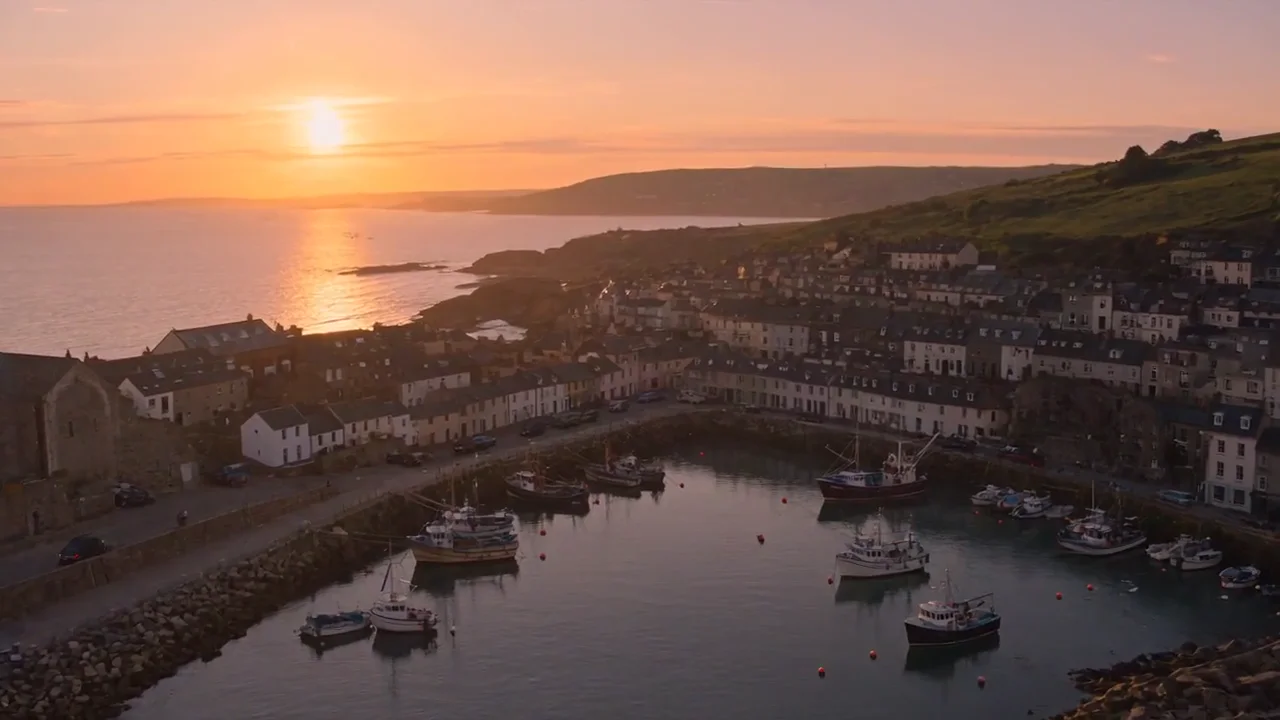
Watch original X clips that show how creators work with animation, dialogue, motion, and sound.
Use fast clips to test decisions before you commit to a longer cut.
Storyboard a vertical opener and test whether the subject reads before the first cut.
Try lighting and motion cues for a packshot using a short clip.
Check what a reference contributes to a shot before adding more inputs.
Compare shot directions before committing to a full cut.
Seedance 2.5 Flash is built for faster iteration and supports native 480p and 720p. Use Seedance 2.5 for 1080p or 4K and larger reference sets.
Choose a duration between 4 and 30 seconds for generated clips. Editing follows the input video duration. An eligible Ultra plan includes Unlimited at 720p for up to 10 seconds monthly or 15 seconds yearly, for 365 days.
Use a prompt on its own, one or two frame images, or up to 10 reference images, 5 reference videos, and 5 audio references in the reference workflow.
Seedance 2.5 Flash generates audio when enabled. For native 4K, select the standard Seedance 2.5 model.
Yes. Use Frames to Video to place both the opening and closing frames.
Yes. Choose Extend and upload the clip you want to continue.
The default channel first generates a 480p source, then upscales it to 720p. The job finishes when the upscaled video is ready in Create. VIP can generate at native 480p or 720p.
Use 16:9 or 21:9 for landscape, 9:16 or 3:4 for vertical, 1:1 for square, or 4:3 for a classic frame. Where available, Adaptive follows the input framing.
Edit changes a clip you upload. Extend continues the action from that clip. Preview the transition and check the credit estimate before submitting.
Compare other AI models available in the BotGo creative workspace.
Plan a shot, set the duration, and run your first Seedance 2.5 Flash clip.
Create with Seedance 2.5 FlashOpen an Explore creation to see its prompt, settings and any original references. Choose Recreate to load the same setup into the generator.
Original PoYo API example and prompt. MIT license.
Original PoYo API example and prompt. MIT license.