 1
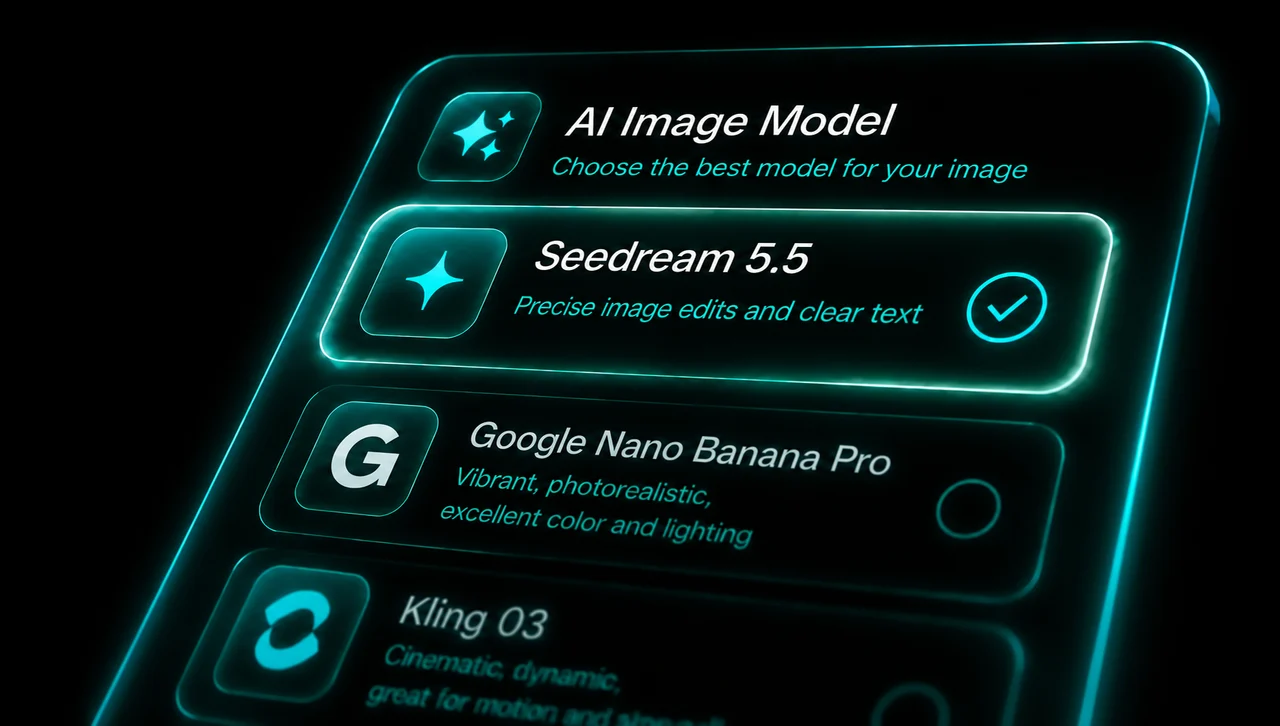
Choose Seedream 5.5
Select the model and choose a resolution, aspect ratio and output format.

Refine local details across edits, render small multilingual text, and export reusable transparent PNG assets.
AI IMAGE WORKFLOW
Seedream 5.5 is ByteDance’s image generation and editing model. It is designed for precise local edits across rounds, cleaner small text in multiple languages, and reference-guided compositions. Choose 1K, 1.5K, or 2K for generation and editing.
Move from the first composition to a usable production asset.
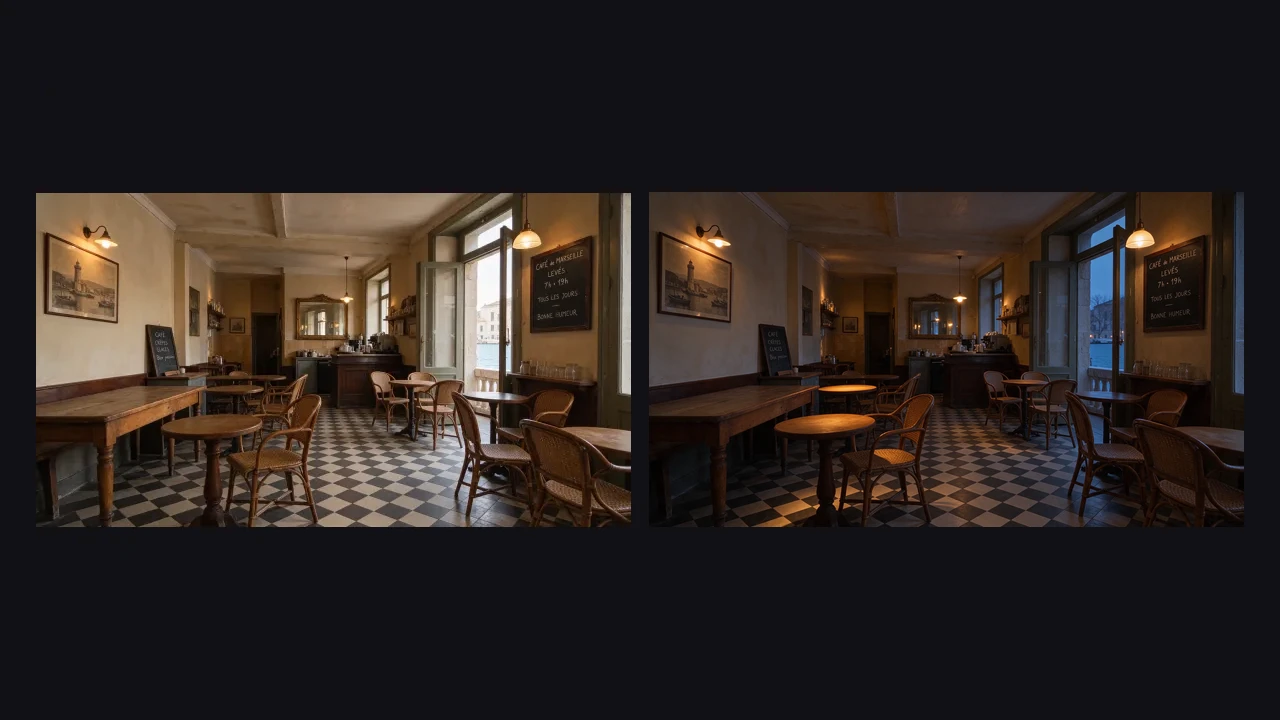
Replace one object, recolor a surface or change the light while keeping the untouched areas, perspective and composition stable.
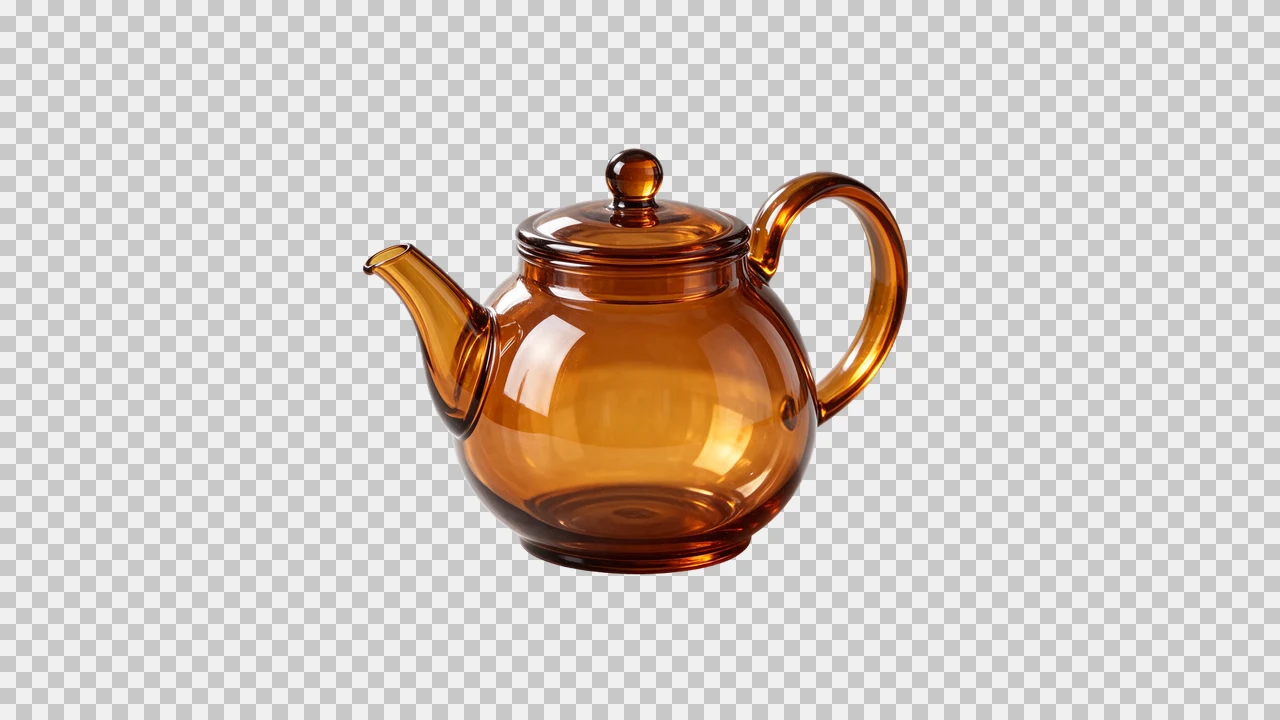
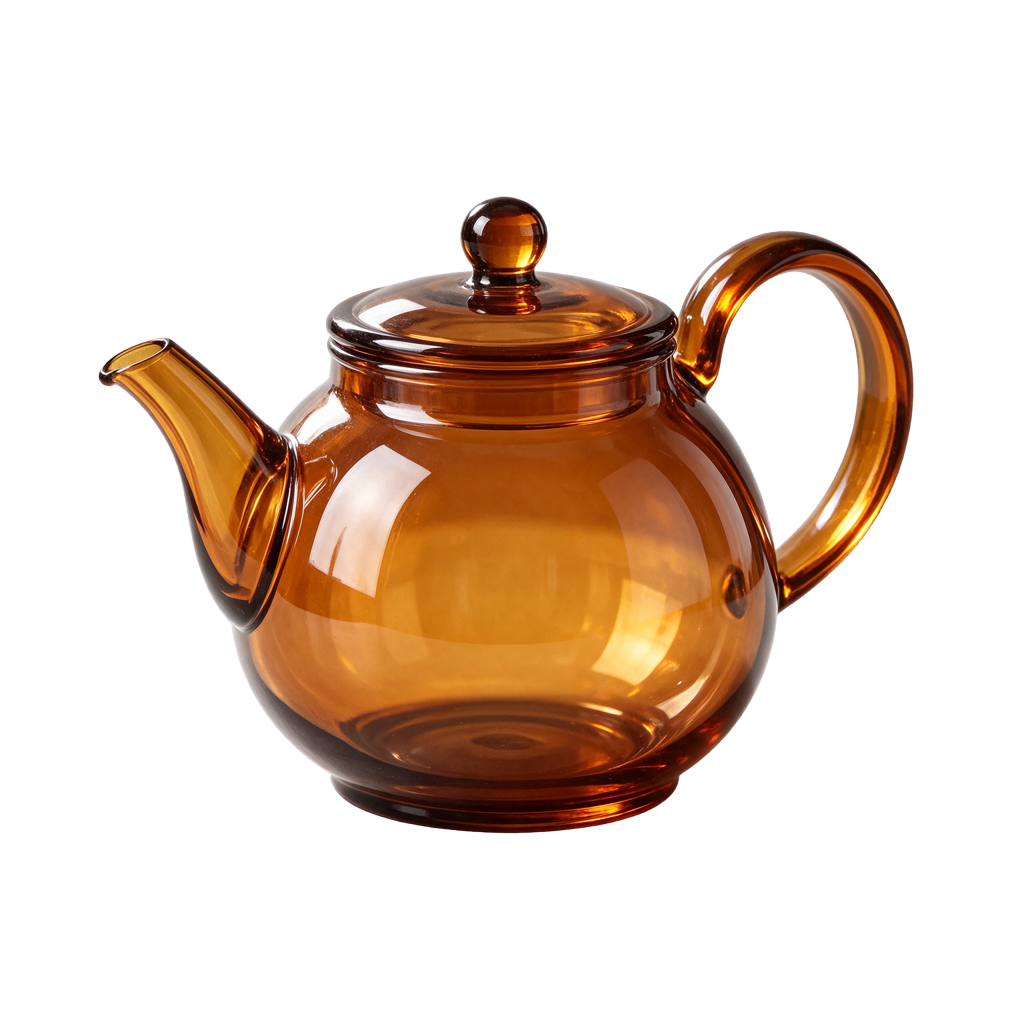
Generate clean cutouts with full or partial transparency. Soft edges, shadows and translucent materials can remain usable when composited.
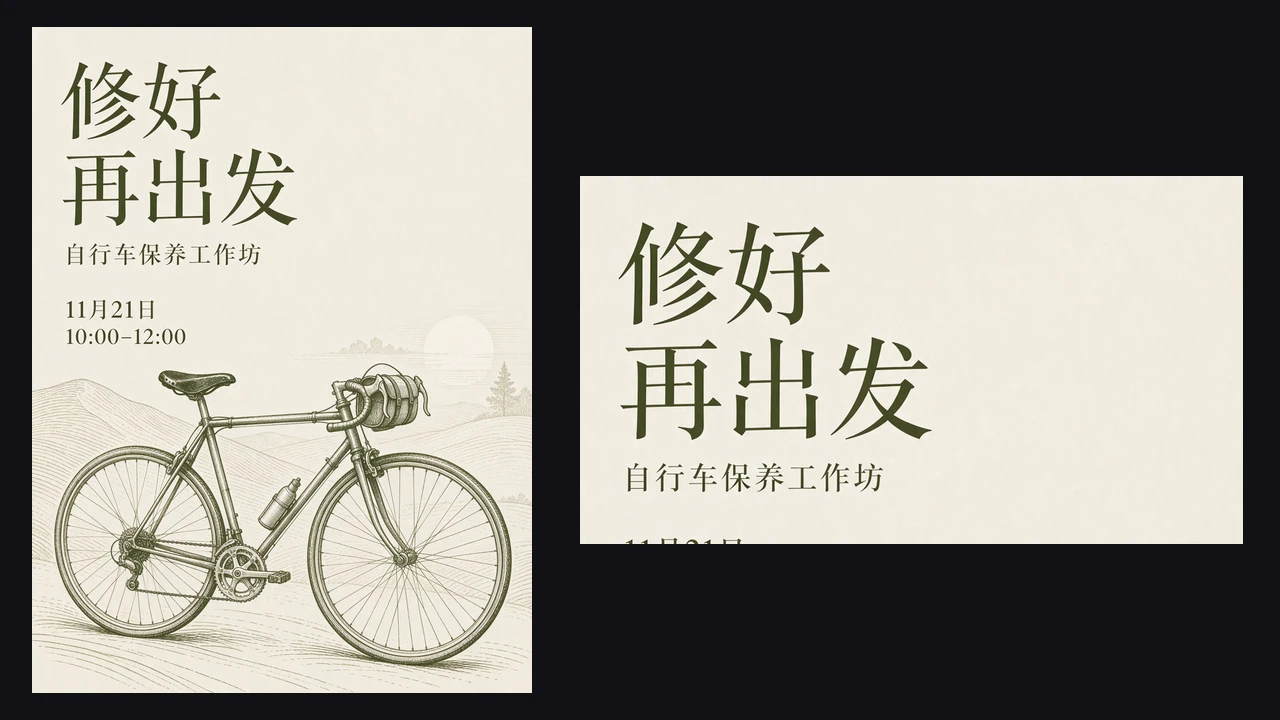
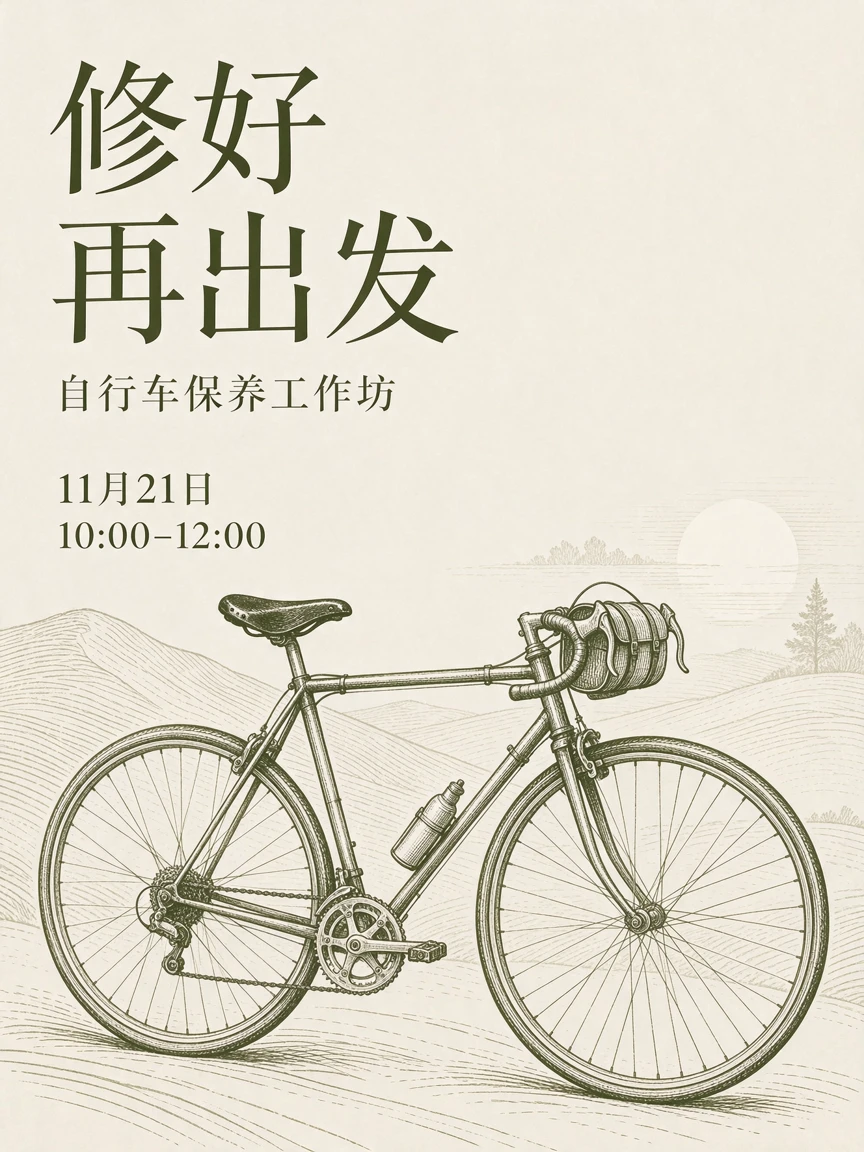
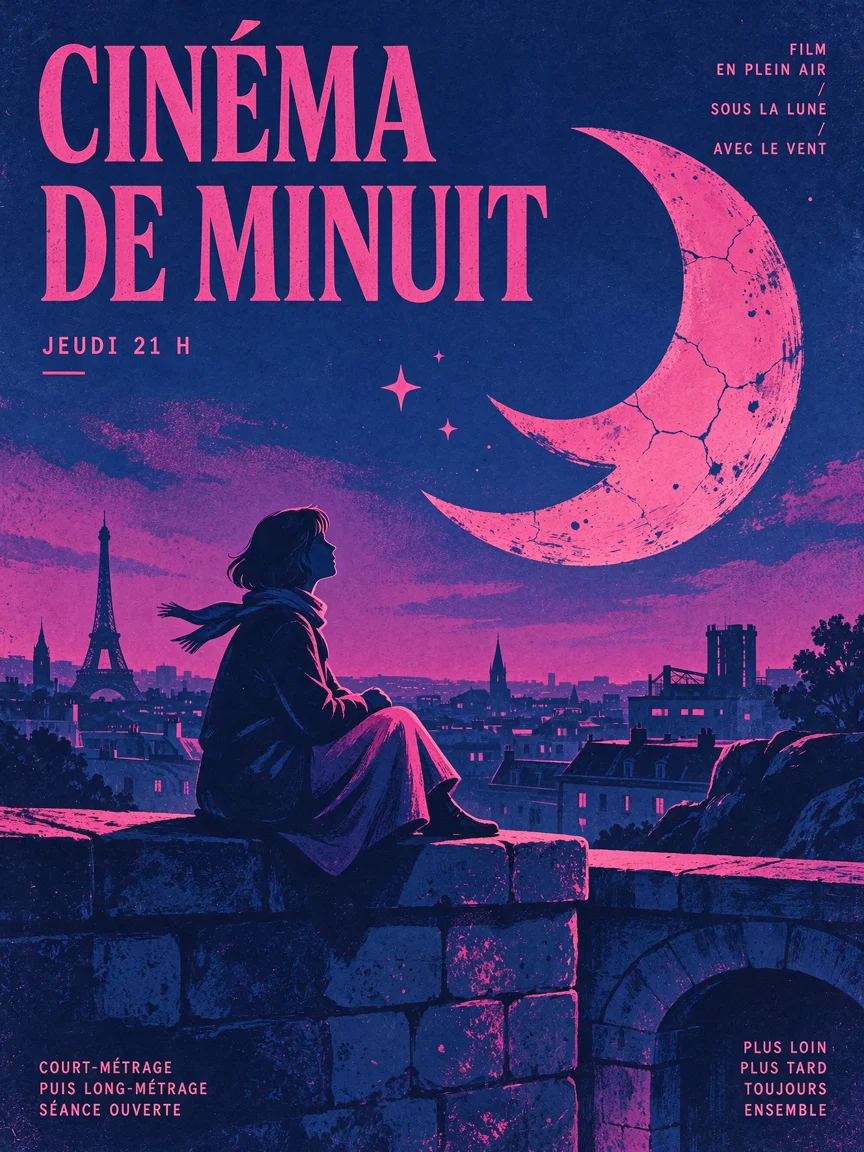
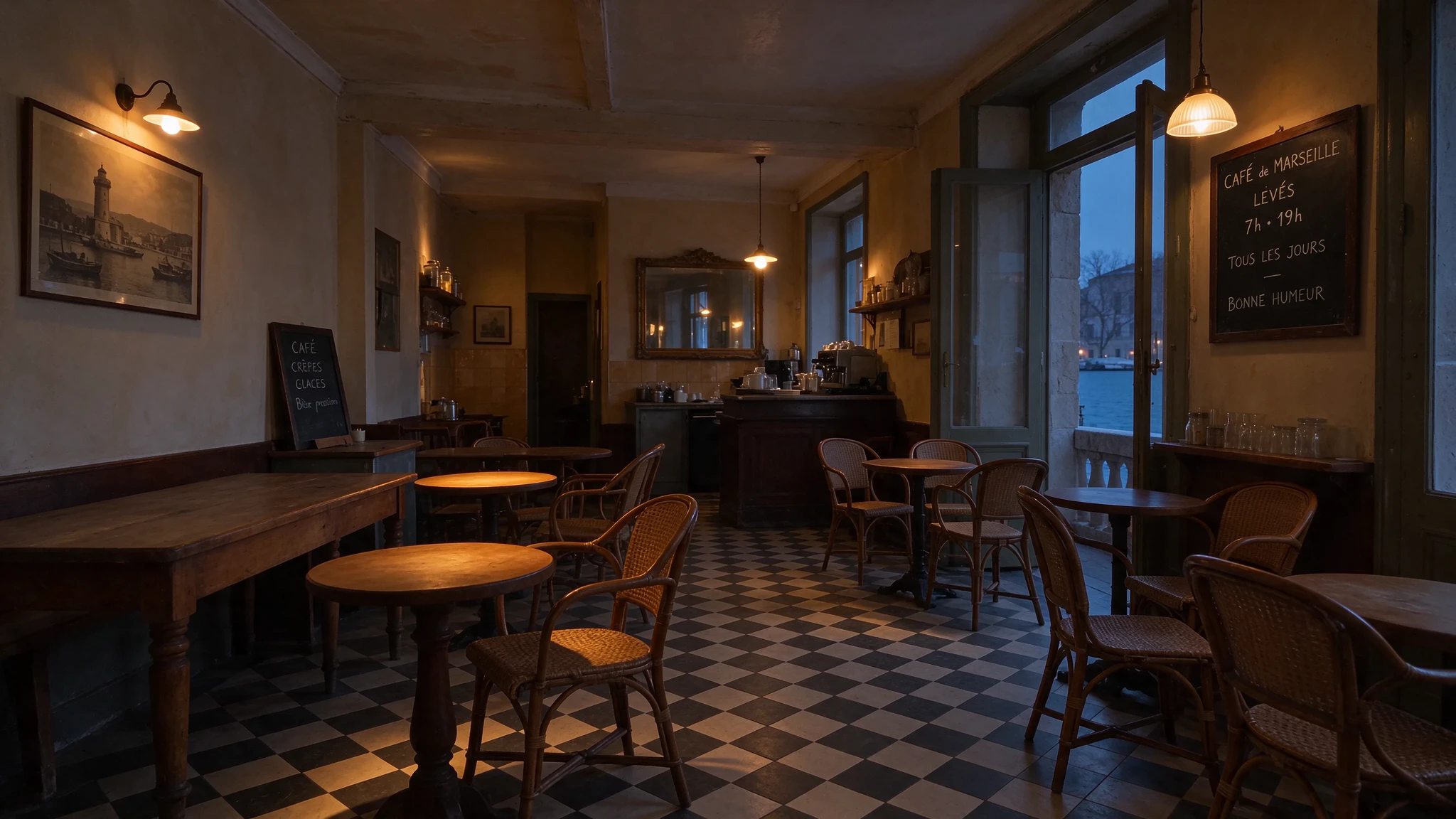
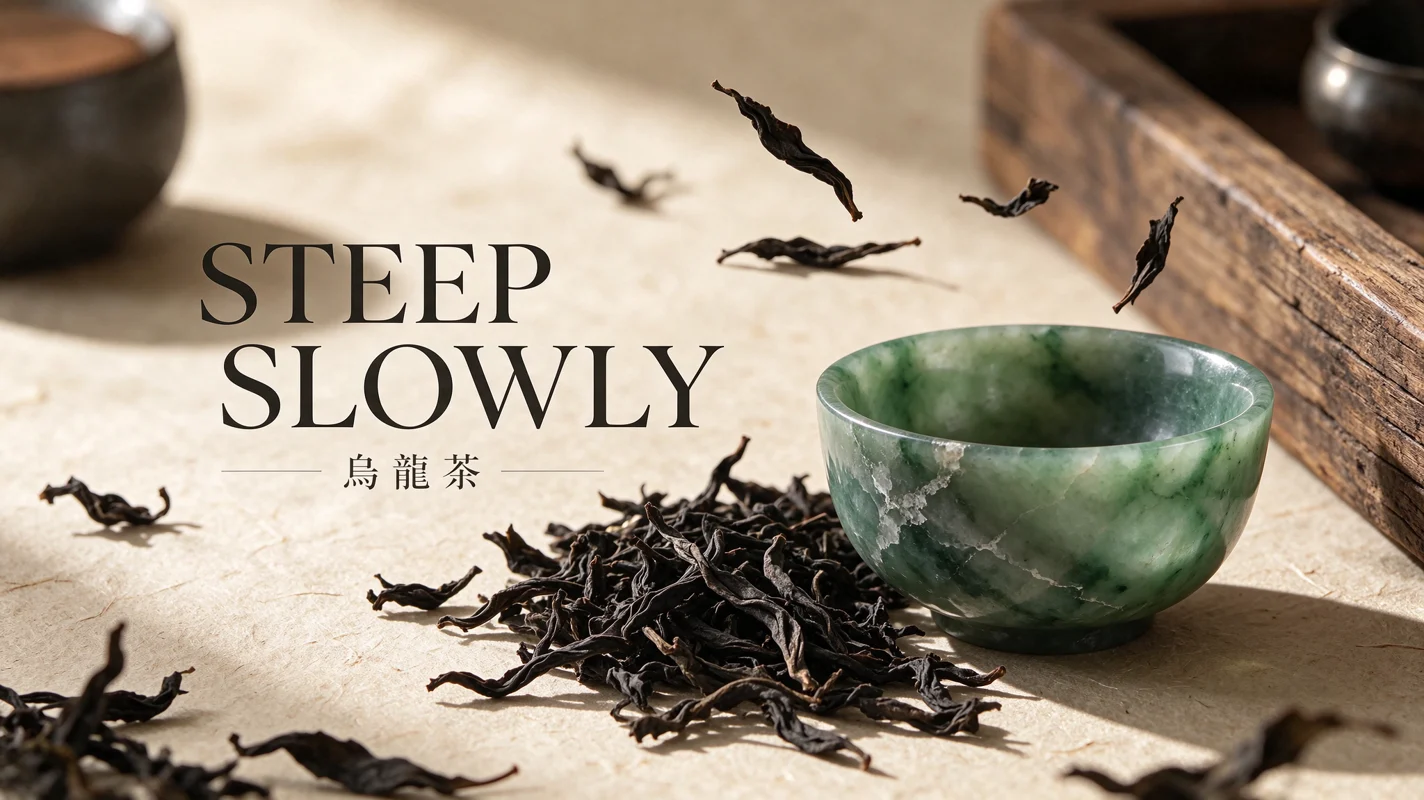
Quote the words you want and specify the layout. Use Seedream for dense labels, multilingual posters and packaging details.
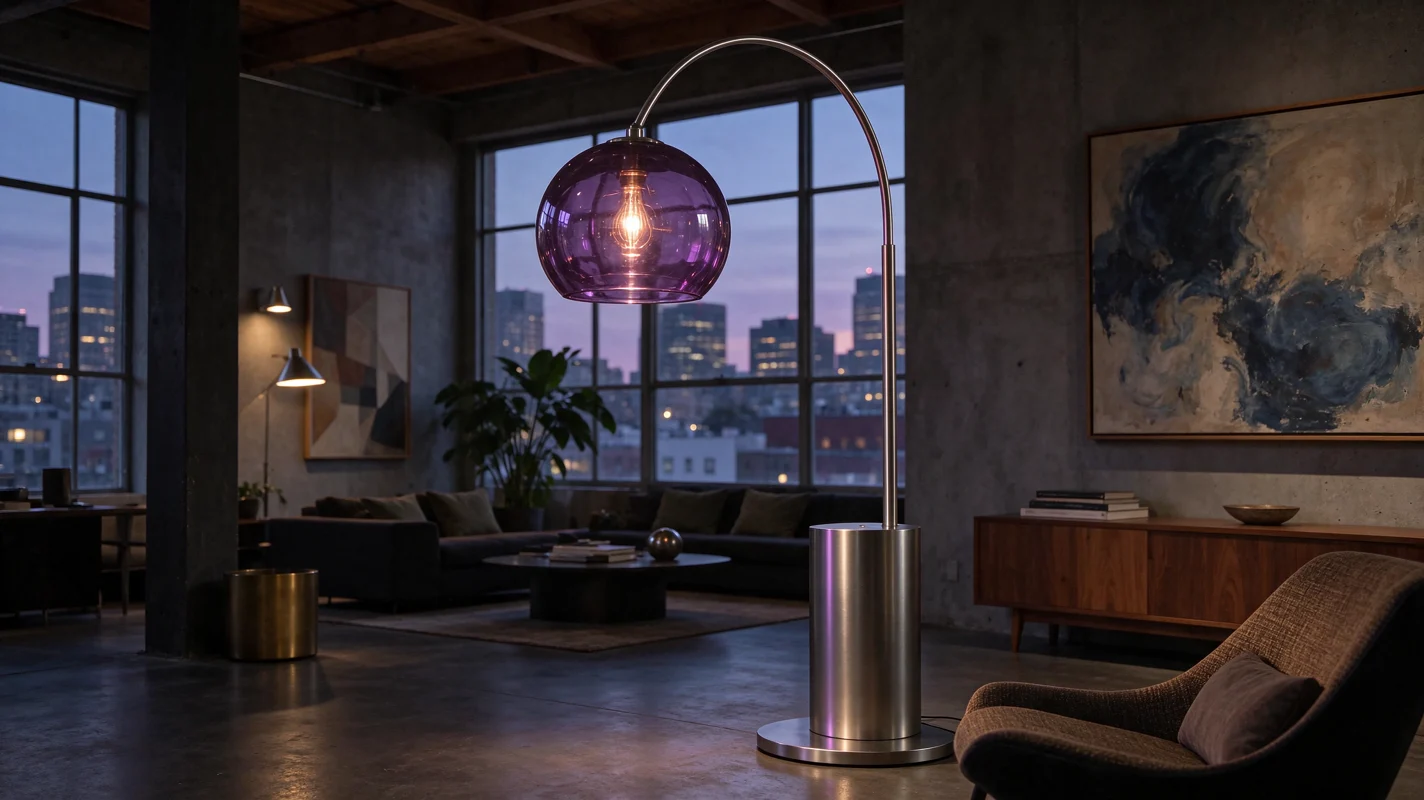
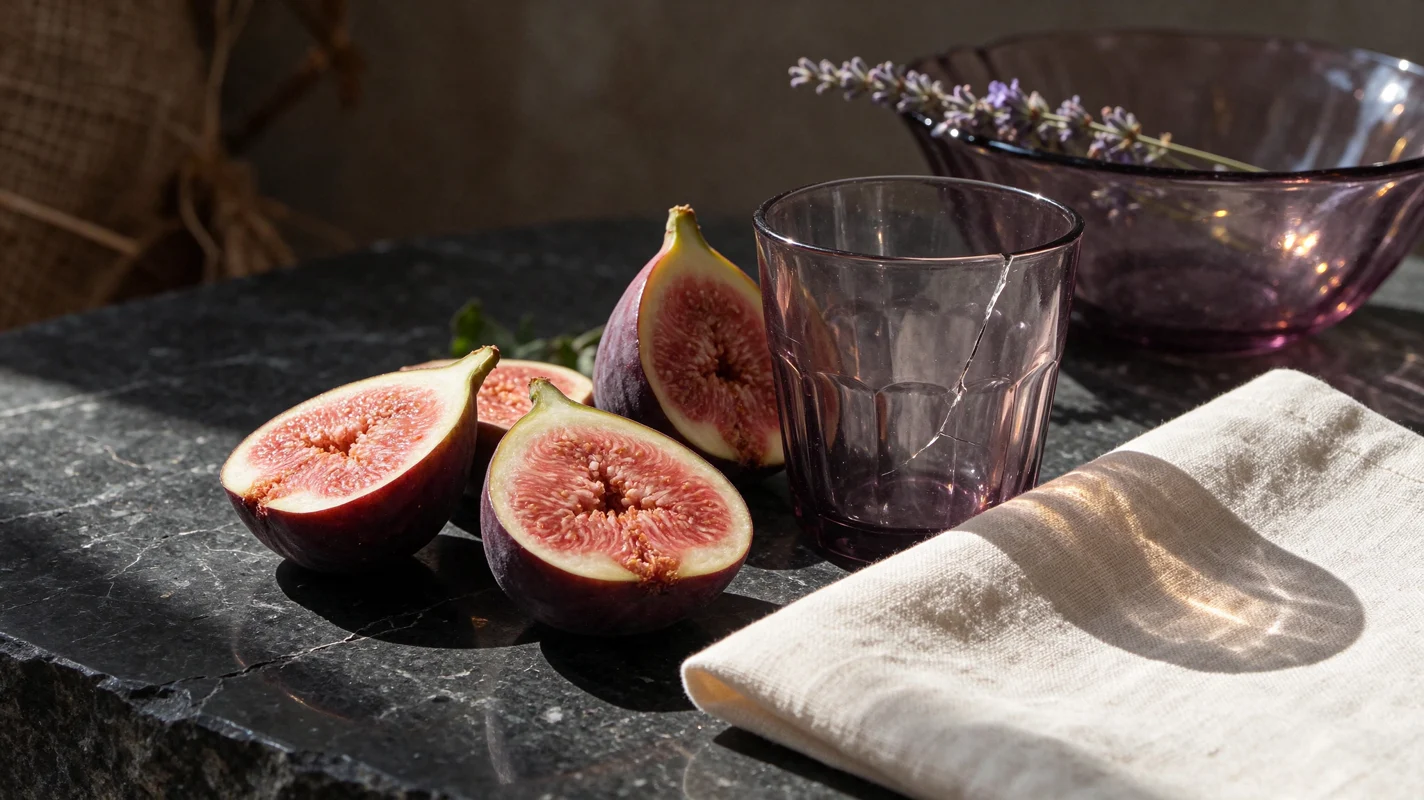
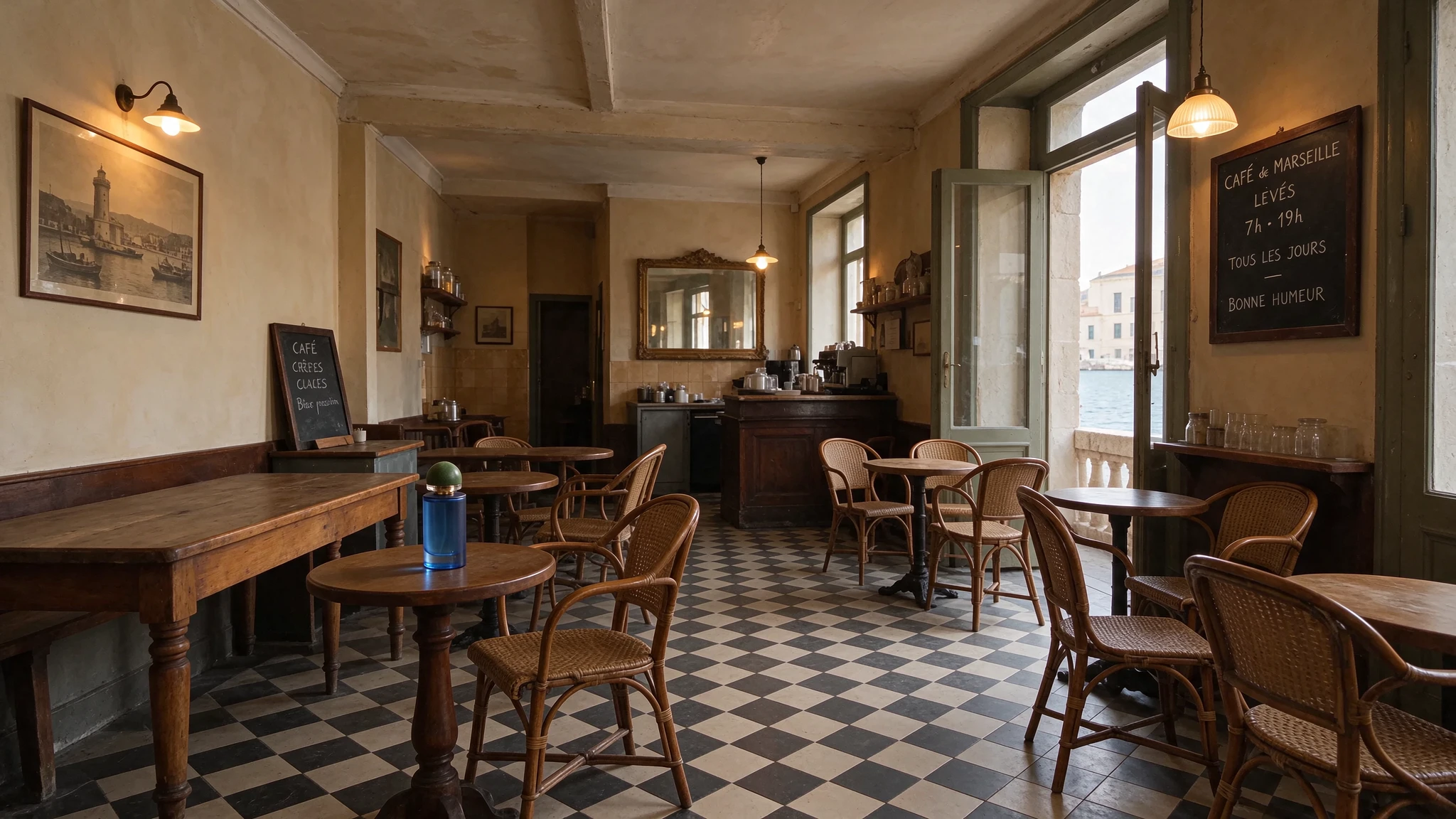
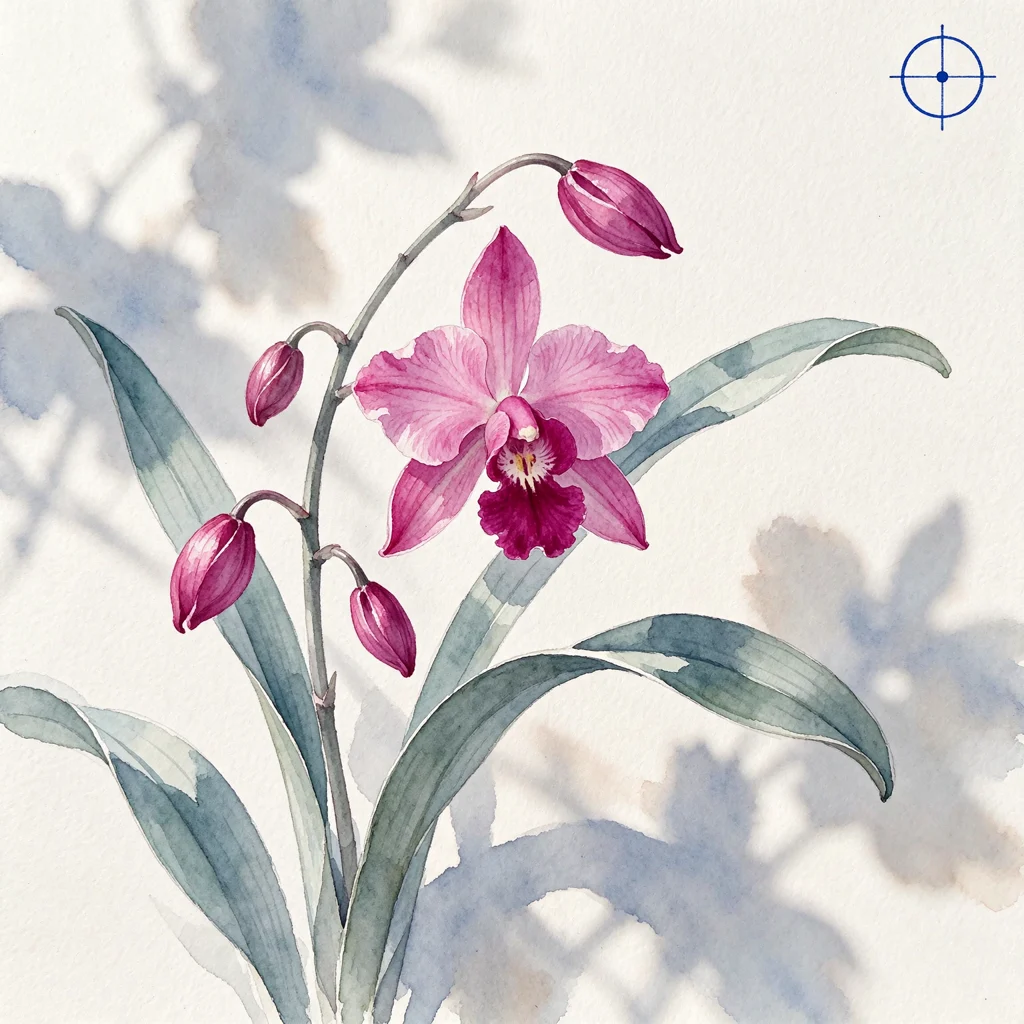
Render surfaces, fabric, glass and fine skin textures with lighting that fits the scene and its reflections.
| Capability | Seedream 5.5 | Seedream 5.0 Pro | Seedream 5.0 Lite |
|---|---|---|---|
| Resolution | 1K / 1.5K / 2K | 1K / 1.5K / 2K | 2K / 3K / 4K |
| Reference Images | 10 | 10 | 14 |
| Aspect Ratios | 1:1, 4:3, 3:4, 16:9, 9:16, 3:2, 2:3, 21:9 | 1:1, 4:3, 3:4, 16:9, 9:16, 3:2, 2:3, 21:9 | 1:1, 4:3, 3:4, 16:9, 9:16, 3:2, 2:3, 21:9 |
| Inputs | Text, Image | Text, Image | Text, Image |
| Function Mode | Generate / Edit | Generate / Edit | Generate / Edit |
| Output format | PNG / JPEG | PNG / JPEG | PNG / JPEG |
Choose Seedream 5.5, add references if needed, and create an image you can refine or download.
1Select the model and choose a resolution, aspect ratio and output format.
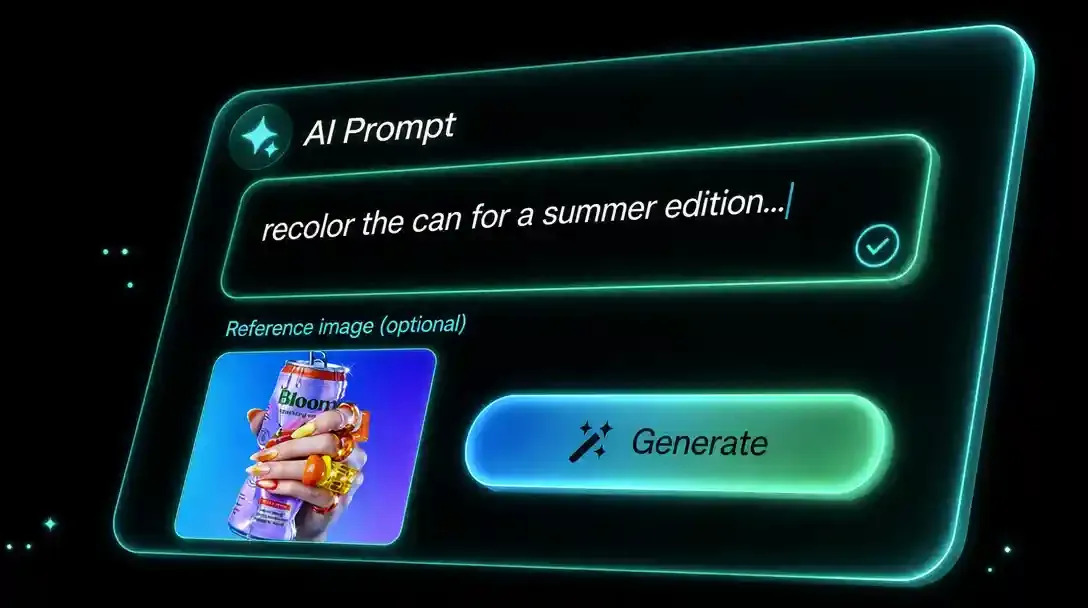 2
Describe your image, or upload reference images and specify what to edit and what to keep.
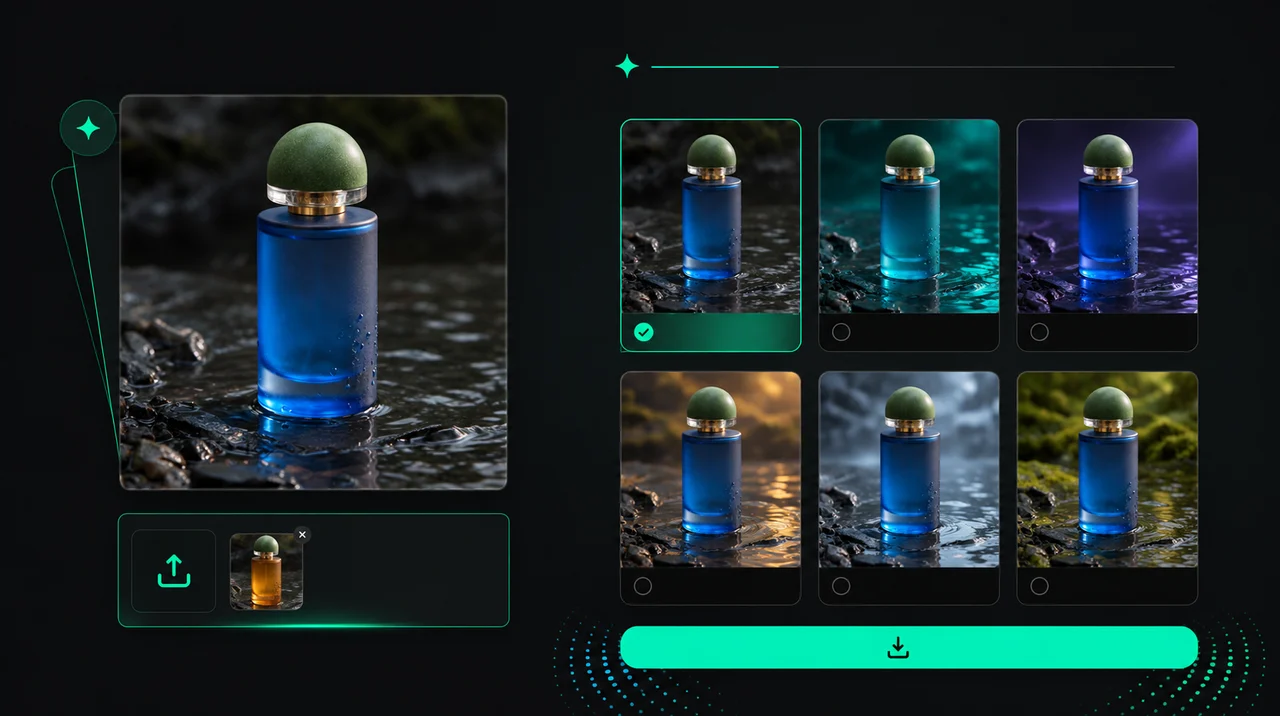 3
Review the results, select the image you want, and download it. For a cutout, choose a transparent PNG.
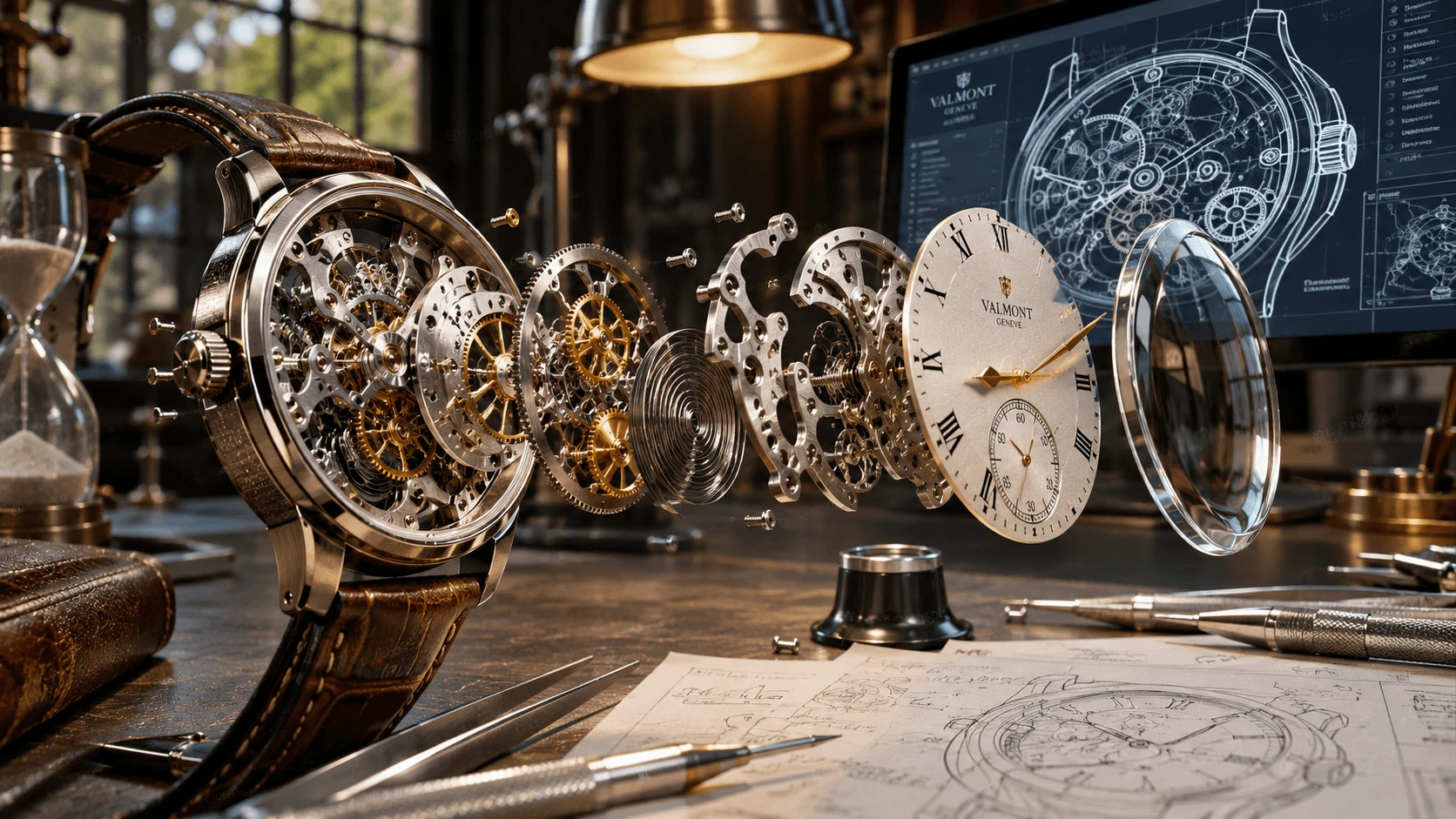
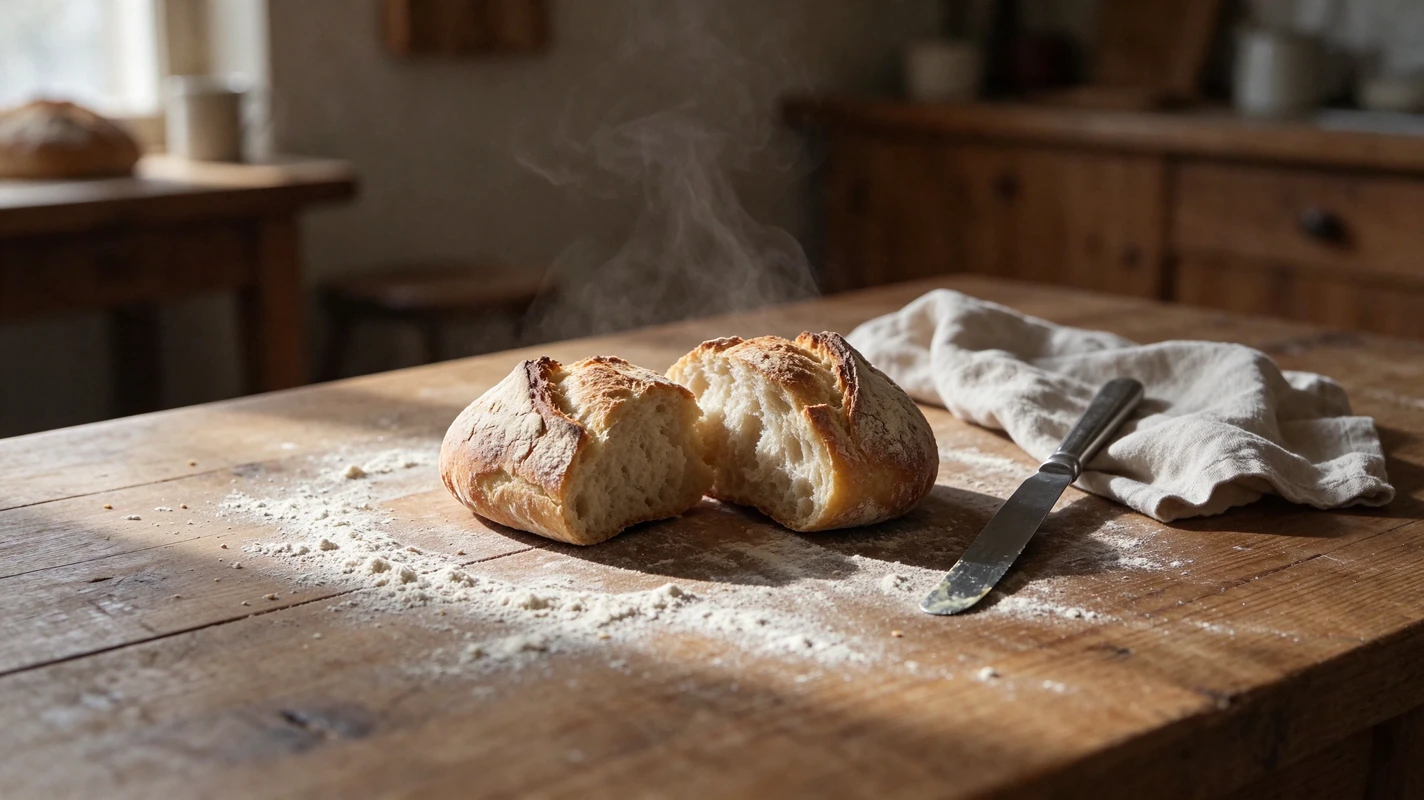
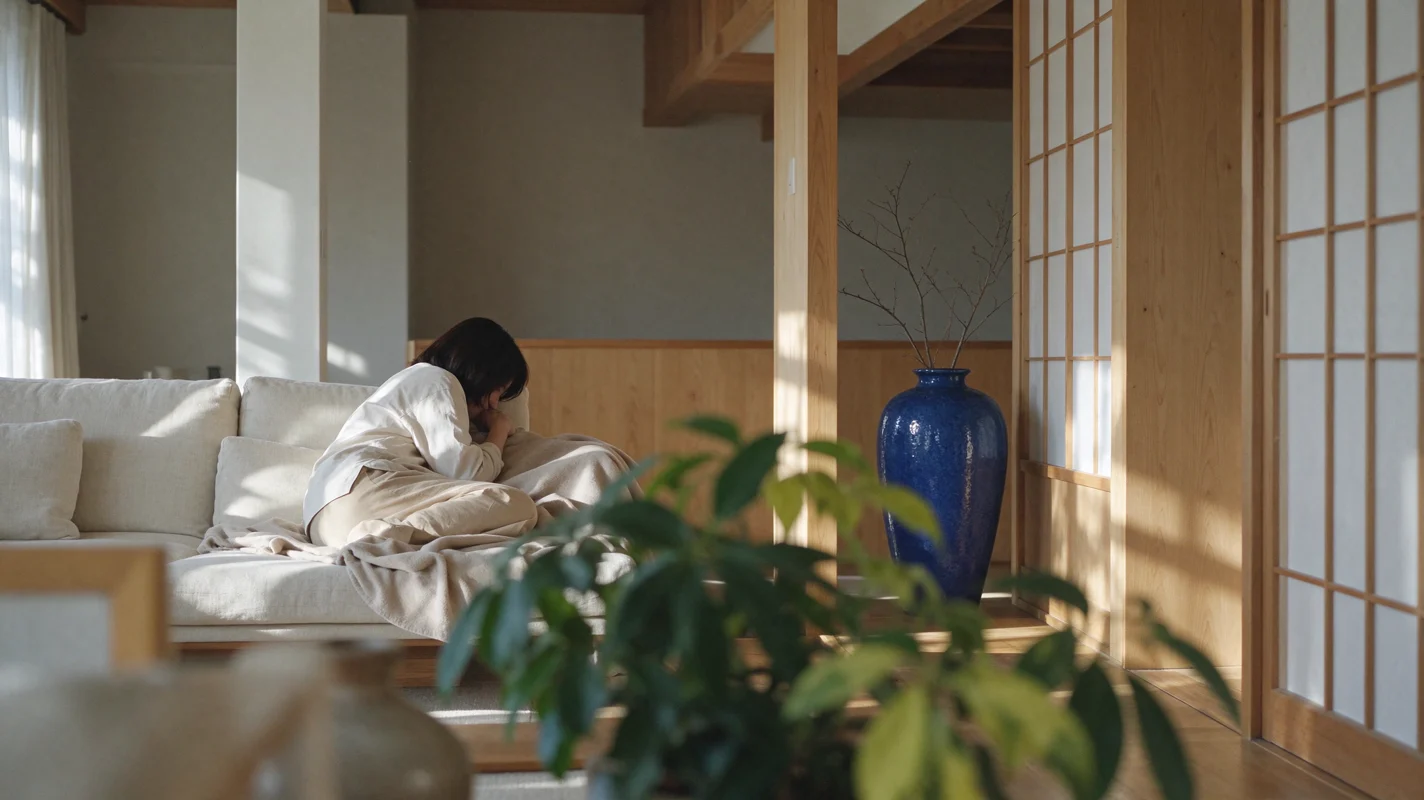
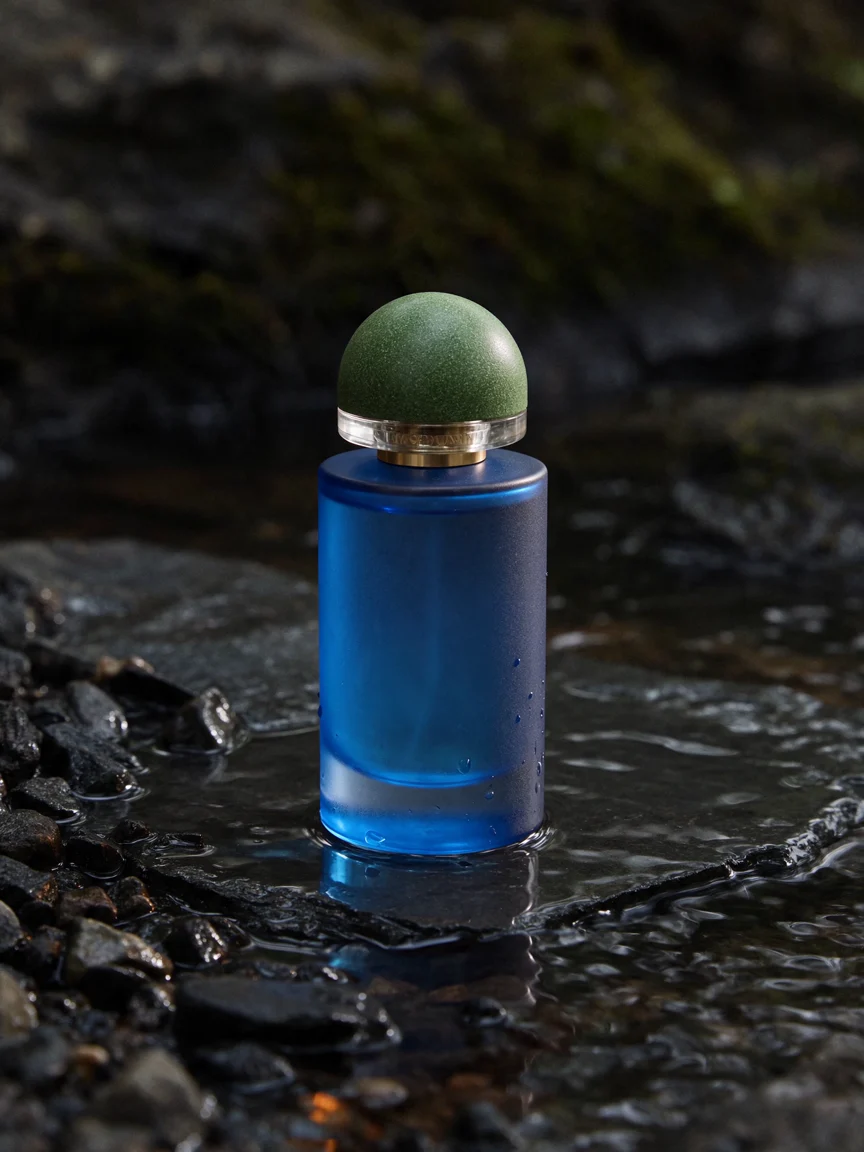
Explore original X works spanning product detail, lighting, illustration, portraiture, and typography.
Build images that can survive another round of changes.
Draft product and campaign images with the exact copy quoted in the prompt.
Create a product cutout and composite it into multiple layouts.
Change material, light, or color while keeping the surrounding composition.
Try alternate materials and type treatments before preparing delivery.
Generate or edit images at 1K, 1.5K, or 2K with eight aspect ratios. Choose PNG or JPEG for standard images, and PNG for transparency.
Seedream 5.5 Layerize is a separate workflow that splits a flat image into transparent layers for independent editing. BotGo Create currently offers image generation and prompt-based editing.
Yes. Add your image, describe the area or object to change, and name the elements that should stay as they are. You can use up to ten reference images.
Seedream 5.5 uses credits on paid plans. An output is 7 credits at 1K or 1.5K and 12 credits at 2K. Each reference image adds 3 credits.
Yes. Choose Transparent under Background. The generator sends a PNG request to retain the alpha channel.
Seedream 5.5 is available in credit mode on paid plans.
Choose PNG or JPEG, or PNG when you need a transparent background.
Quote the exact words in the target language and specify their position, size and visual hierarchy. Inspect spelling and small type at delivery size before publishing.
Use 1K for quick layouts, 1.5K for review and 2K when you need finer detail or room to crop. Exact pixel dimensions depend on the aspect ratio.
Recreate loads the public Recipe with its original prompt, model, settings and the reference images used to create it. You can review or change these before generating.
Compare other AI models available in the BotGo creative workspace.
Generate a first image or bring a reference into Seedream 5.5 for a targeted edit.
Create with Seedream 5.5Open an Explore creation to see its prompt, settings and any original references. Choose Recreate to load the same setup into the generator.